Close Range of Booking
The Close Range of Booking menu allows users to select multiple bookings within the selected date range and close all bookings at once.
Breakpoint: 170395 - Close Range of Booking (Engineering - Groups)
Perform the following steps to close multiple bookings.
Navigate to Settings à Utilities à Close Range of Booking.
Select the start date and end date for the range in the From Date and To Date fields. The user can select any date in the past to the current property date.
Click Search. All bookings that have been made under the selected date range are listed in the grid.
Select the bookings that must be closed.
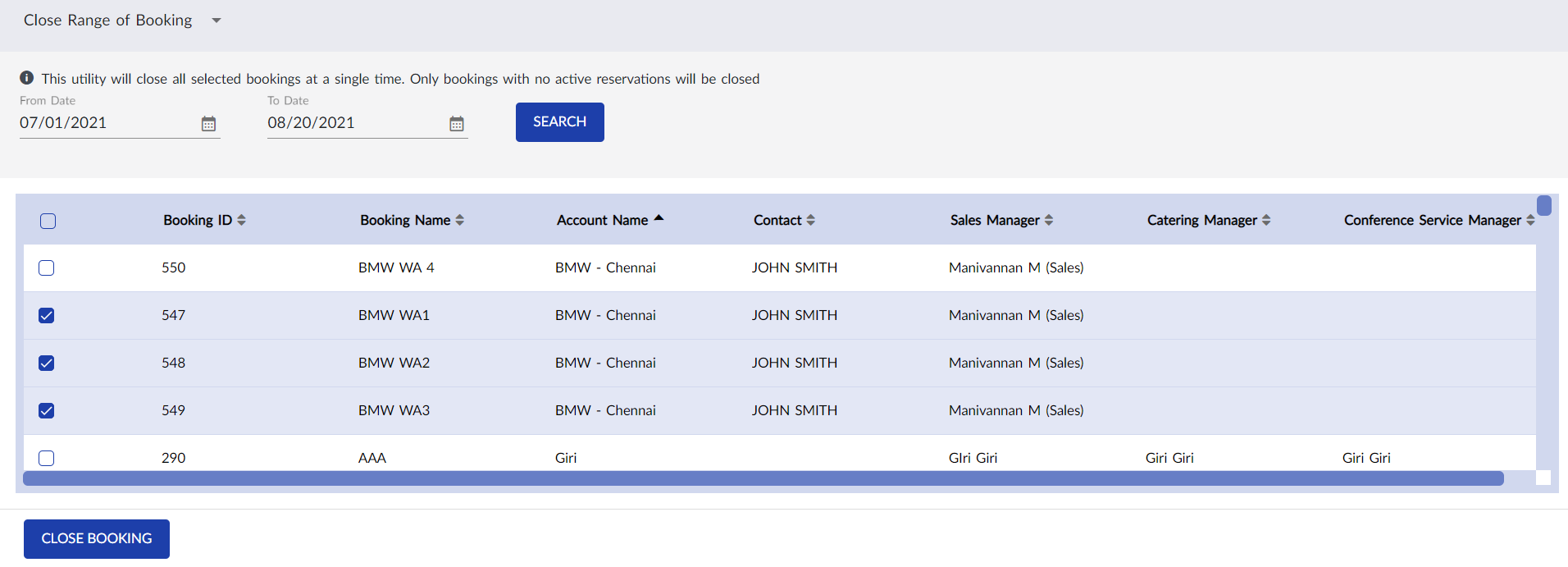
Click Close Booking. The message, Are you sure you want to close all the selected booking(s) from [from date] to [to date] appears.
Click Yes. Bookings are closed successfully.
This will close all selected bookings with no active reservations.